AI Workflow Automation That Connects Models, Rules and Business Systems
Reduce repetitive work by connecting AI with the software your business already uses. iTechOza designs workflow automation that combines models, business rules, APIs and human decisions across CRM, ERP, helpdesk, email, documents, databases and custom applications.
The result is not a fragile chain of prompts. It is a maintainable operational system with permissions, validation, exception handling, approvals, logs, monitoring and measurable workflow outcomes.
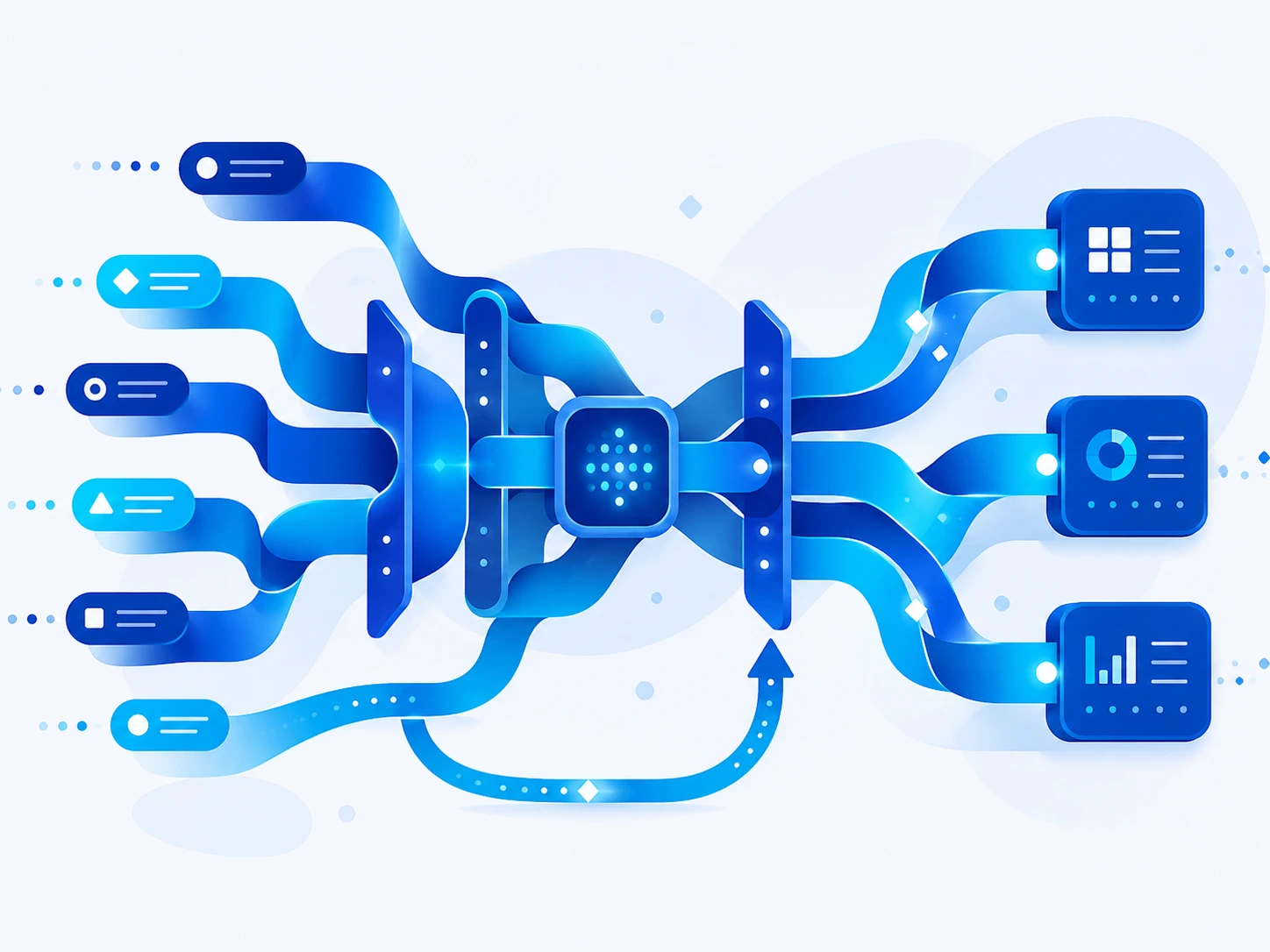
AI Automation Solutions We Build

CRM and Sales Operations
Classify enquiries, enrich approved data, prepare summaries, route opportunities and create controlled follow-up tasks.

Support and Helpdesk Automation
Triage requests, retrieve knowledge, summarize context, suggest responses and route or escalate cases.

Document-Driven Automation
Classify files, extract and validate information, update systems and send uncertain cases to review.

Internal Operations Workflows
Coordinate requests, approvals, notifications, records and status across departments and systems.

AI-Assisted Data Processing
Transform, categorize, reconcile or explain information with validation and structured outputs.

Custom Integration and Orchestration
Connect commercial tools, custom applications, databases, webhooks, queues and scheduled jobs in observable workflows.
Business Processes That Can Benefit From Intelligent Automation

Enquiry-to-CRM Workflow
Extract requirements, check completeness, create a lead and route it based on defined criteria.

Ticket Triage and Resolution Support
Categorize requests, retrieve context and automate eligible responses or actions with escalation.

Approval Preparation
Collect documents and data, check rules, summarize the case and send authorized people a reviewready package.

Reporting and Status Updates
Gather information from approved systems, create structured summaries and distribute them on a schedule.
Data Reconciliation
Compare records, identify exceptions, propose matches and route discrepancies for investigation.
Customer and Employee Onboarding
Coordinate forms, documents, account steps, notifications and system updates through defined stages.
Industry and Product Applications
The technical pattern should be adapted to the industry's data, workflow, risk and operating environment. Relevant applications can include:
Customer Operations
Triage requests, collect information, update records and coordinate responses across support systems.
Sales Operations
Enrich, classify and route leads or prepare approved follow-up workflows inside the CRM.

Finance Administration
Coordinate document intake, validation, approvals and status updates with human control.
HR and Internal Service
Process defined requests and policy-guided workflows while protecting employee data.
SaaS Platforms
Offer configurable intelligent workflows as a governed product capability.
How We Automate a Business Workflow
01
Current-State Workflow Mapping
Document triggers, users, systems, decisions, delays, exceptions, volumes and the cost of errors.
02
Automation Boundary Design
Decide which steps use rules, AI assistance, full automation or human approval.
03
Data and Integration Assessment
Review APIs, access, events, schemas, credentials, rate limits and system ownership
04
Prototype the Highest-Risk Step
Test interpretation, extraction or tool behaviour using representative inputs and failures.
05

Build, Validate and Observe
Implement orchestration, queues, idempotency, approvals, logs, alerts, dashboards and recovery.
06

Roll Out in Controlled Stages
Start with a defined workflow or team, compare outcomes to baseline and expand when behaviour is stable.
Technical Architecture and Delivery Considerations
The final architecture depends on the product, data, volume, security and integration requirements. A
production implementation will normally consider the following layers:
Event and Intake Layer
Receive forms, emails, files, webhooks or scheduled events with validation and idempotency.
Workflow Orchestrator
Coordinate deterministic steps, AI tasks, branching, status, deadlines and retries.
AI Decision Services
Use extraction, classification, retrieval or generation only where unstructured judgement adds value.
Human Review and Exception Queue
Give staff the context and controls needed to approve, correct or resolve uncertain cases.
Integration and Monitoring
Connect business systems securely and expose failures, throughput, timing, cost and ownership.
How Project Success Can Be Measured
Success measures should be agreed during discovery and tied to the intended user outcome. Appropriate measures may include:

Cycle-time reduction
Measure the elapsed time from valid intake to approved completion.
Straight-through completion
Track eligible workflows completed without manual intervention while meeting quality rules.
Exception quality
Exceptions reach the correct person with sufficient evidence and a clear resolution path.

Integration reliability
Webhook, API and dependency failures are retried or escalated without duplicate side effects.
Operational cost
Automation and model cost is compared with successfully completed work and avoided rework.
Flexible Engagement Options

Automation Opportunity Assessment
Best for mapping one process and identifying the highest-value, lowest-risk automation stage.
Workflow Automation Pilot
Best for proving integrations and measurable workflow improvement with a controlled user group.
End-to-End Automation Build
Best for production orchestration, interfaces, approvals, monitoring and ongoing optimization.